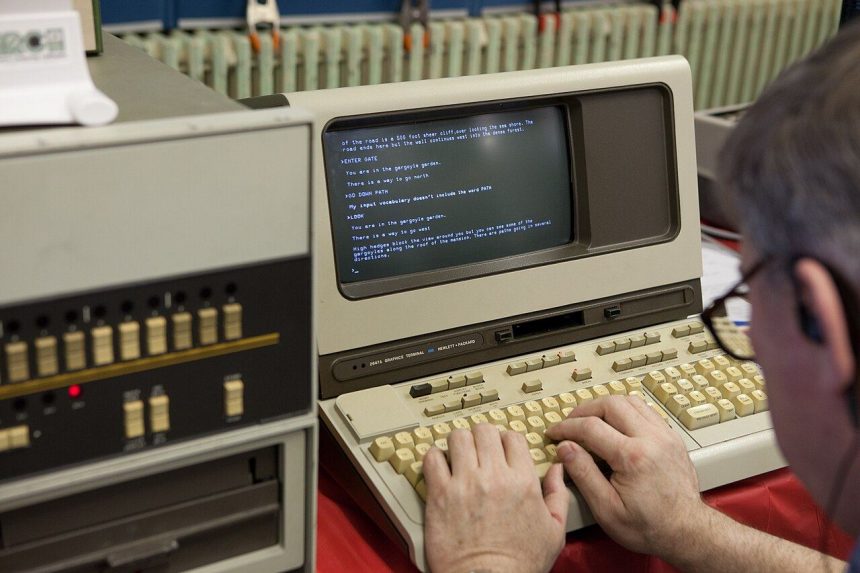
ASCII art is the craft of building pictures, banners and decorative text entirely out of ordinary keyboard characters. Letters, numbers and symbols such as #, @, * and / are arranged line by line until they form a word in giant letters or even a recognisable image. It sounds like a hobby for patient programmers, but modern tools have removed all the hard work. An online ascii generator takes the words you type and instantly restyles them into bold, character-based designs you can copy anywhere.
What exactly is ASCII art?
ASCII is the long-standing character set behind plain text on computers. Because early screens and printers could not display graphics, creative users began drawing with the characters they had. The tradition stuck: text art decorated early bulletin boards, software manuals and email signatures long before emojis existed. The key rule has never changed. ASCII art only looks right in a monospace font, where every character takes the same width, so the lines stay perfectly aligned.
Your first banner in four easy steps
Start by typing a short word or phrase, because two to five words give the clearest results. Next, browse the font styles and watch the live preview change; blocky fonts read well at a distance, while slanted and outlined styles suit greetings and titles. Then adjust the width if the design offers it, since a narrower output fits chat windows and a wider one suits documents. Finally, copy the finished block of text and paste it where you need it. The whole process takes less than a minute, and experimenting costs nothing, so try several fonts before choosing.
Where beginners actually use it
New users are often surprised by how many everyday spots welcome a little text art. Forum and gaming profiles use ASCII banners as name headers. Teachers print them for classroom displays and project titles. Small teams drop them into plain-text newsletters where images are blocked, and friends send them as birthday greetings that feel more personal than a stock picture. Because the result is just text, it travels anywhere text can go, with no file attachments and no compatibility worries.
Small habits that make the output better
Common first-timer mistakes
Three small traps catch most beginners. The first is pasting finished art into a word processor or rich-text box, where the font quietly becomes proportional and the picture collapses; paste into plain-text fields, or switch the document to a monospace font such as Courier. The second is choosing the most ornate font first: decorative styles reward a second attempt, once you know your space limits, while a bold simple font succeeds immediately. The third is testing only on a wide monitor. Shrink the window, or view the result on a phone, and confirm nothing wraps. Avoid those three traps and your first attempts will look deliberate rather than accidental, which is really all that separates beginner output from experienced work.
A few simple habits separate a muddled result from a clean one. Keep your wording short, because long sentences shrink into unreadable lines. Always preview in the font where the art will be displayed, and prefer simple, bold styles for small spaces. If a platform trims trailing spaces or wraps long lines, choose a narrower design. Open asciigenerator.org in any browser, run through the steps above with your own name or a favourite phrase, and you will have a usable banner before your coffee cools. That is the whole secret: a classic computing art form, reduced to typing, choosing and copying.
Related reading: How Pneumatic Valve Fittings Turn a Sluggish Machine Into a Responsive One